Subscribe to our email marketing list
We designed cmdtyView Excel for users to conduct deep analysis and research that can help them automate and improve their workflows simply. To help our users get started easily and quickly, we created a collection of Excel templates for them to use. Our Excel templates allow you to create stunning visualizations that leverage all of the data in our market data ecosystem.
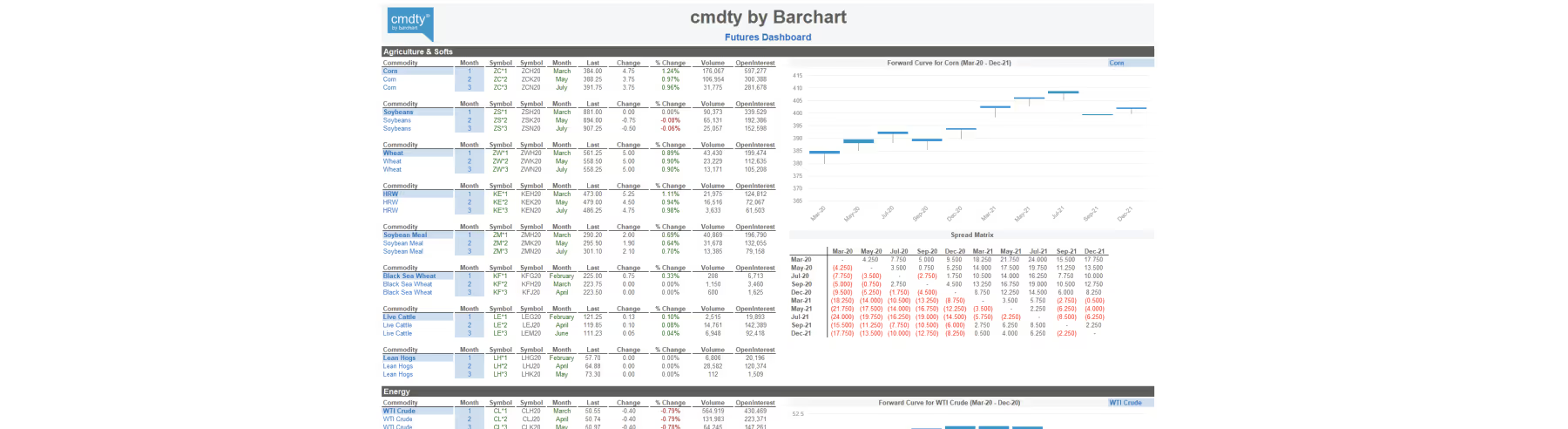
Looking for a simple way to get a quick snapshot of the futures markets? You’re in luck. One of our extremely popular templates, the Futures Market Dashboard template, was designed just for our users to be able to keep an eye on the futures markets as simply as possible.
Once you’ve gotten started with cmdtyView Excel, (if you haven’t, you can learn more about that here) just select the product of your choice and the most active contracts will start streaming right into your dashboard. View multiple products at a time and get a view of the current forward curve, which streams updates directly into the chart - it’s really that simple.
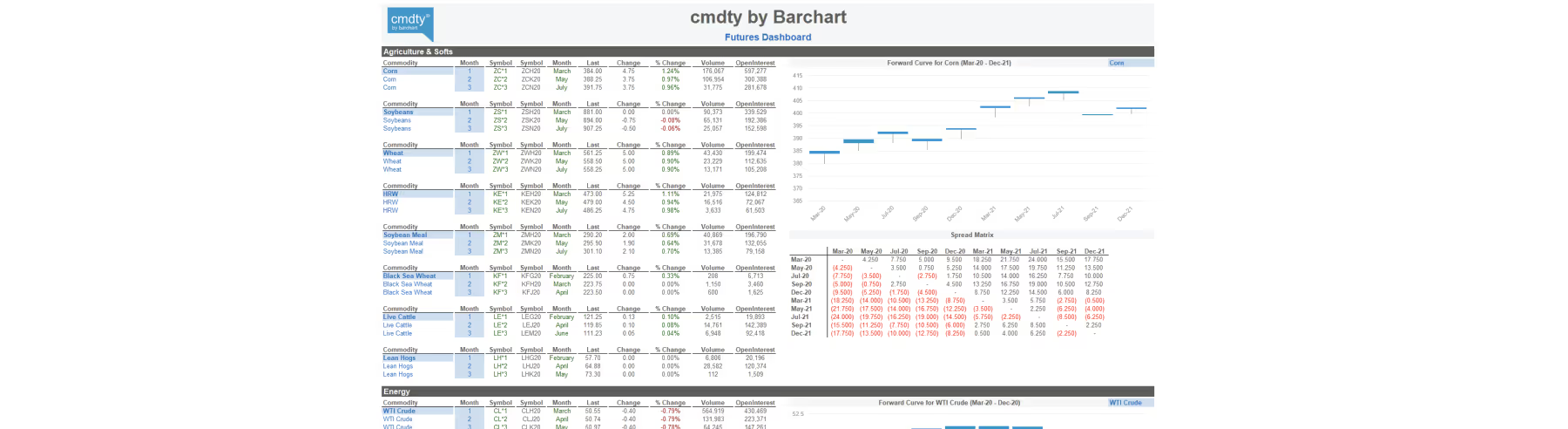
The commodities covered are Ag, Energy, and Metals, and the data is sourced from our Futures Data Catalog. To download the Futures Market Dashboard template, click here. To start a free cmdtyView Excel trial, click here.