Contact Us  |   Learn More About The Benefits of MY BARCHART MY BARCHART LOGIN  |  FREE MEMBERSHIP Print
  1. Enter ticker symbol
    Symbol Search  
    or enter GC* - Gold Futures
    New Features


    YOU ARE HERE:  Education » New Features » Site Tour

    Barchart Site Tour

    For years, you've trusted Barchart.com to provide accurate and reliable data for your trading needs. The Barchart.com web site has all the features and functions you've come to trust, plus new features are always being added. With FREE registration to My Barchart, you'll have access to "Members Only" trader tools. We hope you'll find the web site experience valuable, and encourage you to explore all that Barchart has to offer!

    Become a Member Today!

    Don't forget to tell us what you think about the web site. Send us your feedback!

    Welcome to Barchart.com

    Home Page Layout


    New Barchart.com Home Page

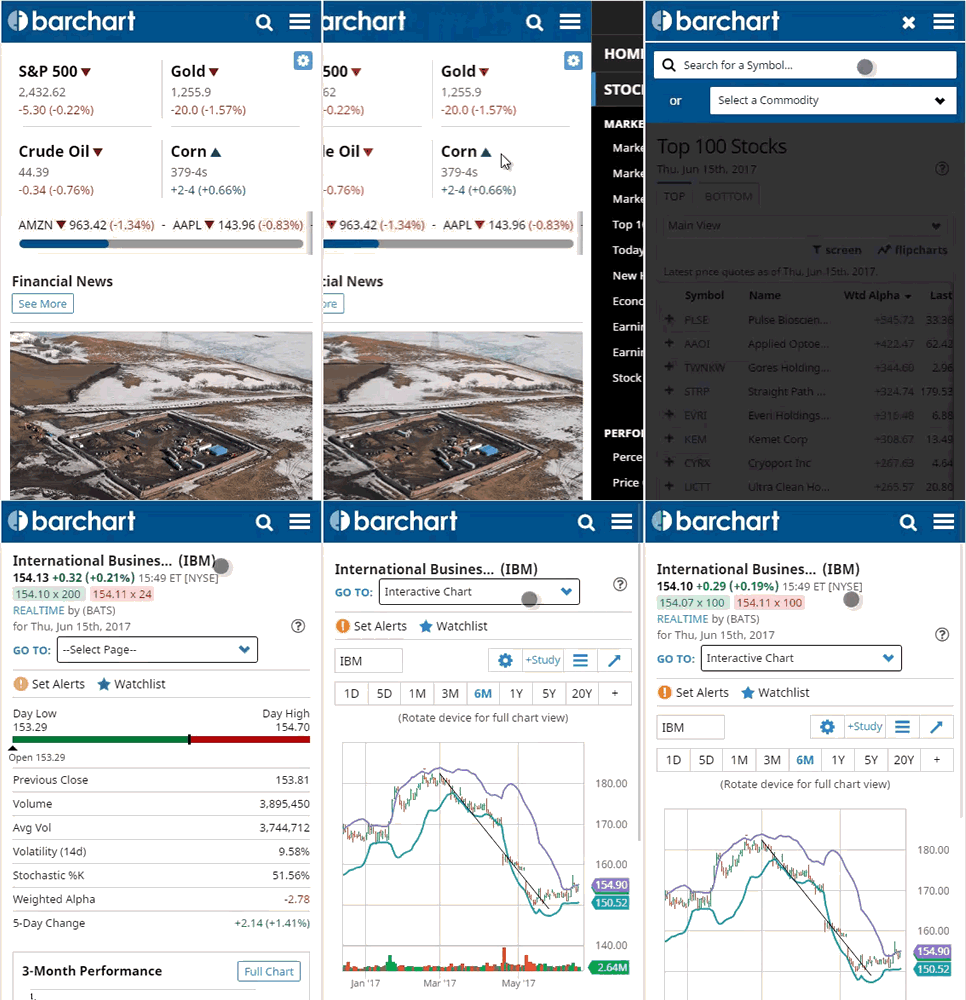
    Our home page gives you a quick look at today's Top AP News, Futures Markets, Top Stocks and Market Momentum. Members can choose to add a quoteboard of Market Indices, your Recent Symbols, or your Favorite Symbols. We'll show you some of the newest features of the site, with quick links to the pages you use most often, including a Stock Market overview, Futures Market Overview, Market Momentum, Top 100 Stocks, Volume Leaders, and more.

    Go to the Home Page


    Choose from Two Chart Styles


    Two Chart Styles to Choose From
    You have two chart styles to choose from—Barchart "Classic" charts, and our "Technical" chart format. The Technical Chart has 55 indicators to choose from, including a "Dashed Line" (to indicate support/resistance prices, etc.) Both chart styles have a mouse-over feature which displays price data as you move your mouse over the bars. Best of all, you can choose between the two formats right on the chart form!

    View a sample Technical Chart.
    View a sample Classic Chart.


    Composite Quote Page


    New Composite Quote Page
    The composite quote page includes the current market prices with a thumbnail chart, Barchart Opinion, and today's key support and resistance points along with latest market news.

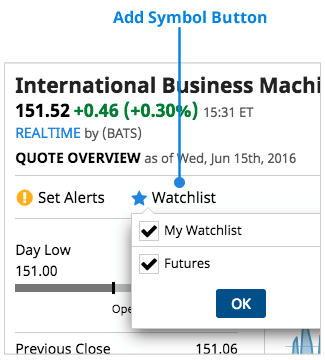
    For My Barchart users, you can quickly add any symbol to your portfolio directly from the quote page.

    View the new Composite Quote.


    Updating Prices and Updated Analysis


    Updating Prices Flash Yellow When a New Tick is Received
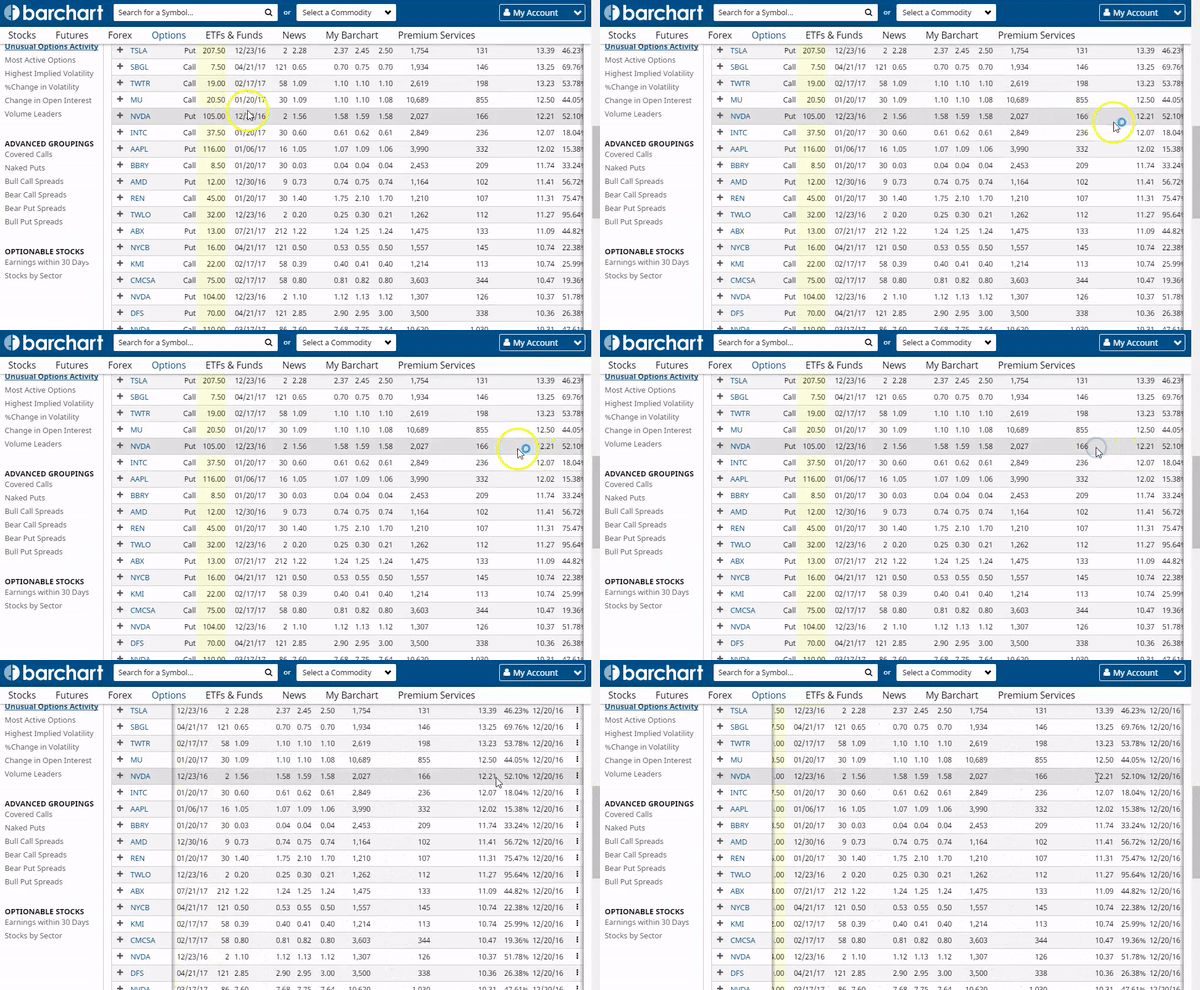
    Prices are automatically updated every 10 seconds on the site. You'll see the quoteboards flash yellow, indicating a new tick.

    All Barchart analysis (Opinions and Technicals) are updated through-out the trading day, as opposed to end of day. This gives you a true sense of where the market is heading for any given ticker symbol or commodity.


    Chart of the Day


    Chart of the Day
    Every day, our Barchart Analysts use many of Barchart.com's free tools, such as Signals, Top Stocks by Sector, and Opinions, to scour the market for stocks on the verge of a major move. Chart of the Day commentary alerts you to major market trends and provides promising trading ideas.

    Go to today's Chart of the Day.


    Heat Maps


    Equity Sectors Heat Map

    See which markets are heating up or cooling off with Barchart Heat Maps. Heat Maps provide a quick visual view of the markets and how they are performing on the day, as well as how they are performing versus other sectors. Color-coded cells are designed to provide a single look at moving market opportunities, and allow you to drill-down to symbol-specific detail.

    Go to Stock Sectors Heat Map
    Go to Futures Market Heat Map
    Go to Forex Heat Map


    Trader's Cheat Sheet™


    Trader's Cheat Sheet

    Save valuable time and numerous calculations using Trader's Cheat Sheet™. Trader's Cheat Sheet™ provides a snapshot of 44 commonly used technical indicators with the price projection for the next trading day that will cause each of the signals to be triggered. Review tomorrow's key indicators TODAY for any ticker symbol or commodity, including Support/Resistance Levels and Key Turning Points.

    View a sample Trader's Cheat Sheet™


    ETFs Section


    New ETFs Section
    We've developed a "micro-site" for Exchange Traded Funds (ETFs), accessed by clicking the ETFs tab at the top of the site. As many traders have learned, strategies for buying and selling ETFs are much different than buying and selling traditional stocks. For this reason, we provide you with separate ETF tools such as our new advanced ETF Screener, the best ETF performers, and specialized research by our Barchart Analysts called "Our ETF Picks" that provide independent investment advice on choosing an ETF.

    Go to the ETFs Screener
    Go to the Advanced ETF Screener (requires a free My Barchart membership)
    Go to the Best ETF Performers


    Advanced Market Screener


    Advanced Market Screener
    Finding Stocks, ETFs (Exchange Traded Funds), Indices, Mutual Funds, Money Market Funds, or Forex contracts that match your trading objectives is now easier than ever, when you use the Barchart.com Advanced Market Screener. We take the dizzying task of sifting through mountains of information before buying or selling a stock or commodity and automate it by allowing you to enter your specific investment criteria.

    Our screener combines the power and sophistication of an advanced application with an easy-to-use interface. What would normally takes days to manually perform extensive research now takes a matter of just seconds.

    Go to the Advanced Market Screener (requires a free My Barchart membership)


    Expanded Forex Section


    Forex Cross-Rate Table
    Get a quick look at the major forex market cross-rates table with easy click-through access to a specific cross-rate quote. Major cross-rates include the US Dollar, Australian Dollar, Canadian Dollar, Euro, British Pound, Japanese Yen, and Swiss Franc.

    Our expanded Forex section lists over 600 cross-rates, with expanded coverage for G7 rates.

    Go to the Major Forex Cross-Rates Table


    Performance, Technical, and Custom Views


    Performance, Technical and Custom Views
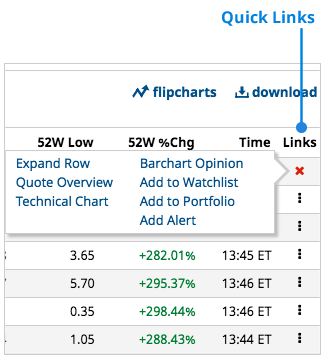
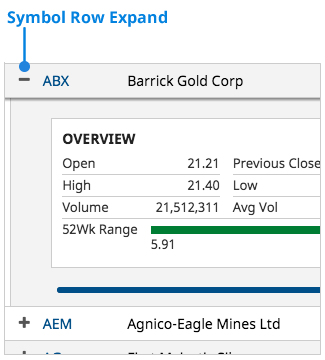
    Easily switch between predefined views for any quoteboard on the site. Each quoteboard is equipped with a Main, Technical, and Performance view, allowing you to quickly switch from a standard quote layout to one with more in-depth analysis.

    In addition, My Barchart users can save Custom Views for use on any quoteboard on the site. Choose from over 75 different data fields, and organize the columns the way you want.

    Performance and Technical Views are available with every quoteboard. Custom Views are available with your free My Barchart membership.


    "My Charts"


    New Thumbnail "My Charts"
    Build a page with all your favorite charts using the "My Charts" feature. The My Charts page will show you thumbnails of all the important charts you've saved, with one-click access to view the full-sized chart. Save your chart preferences and studies for quick retrieval.

    Go to the new "My Charts" page (requires a free My Barchart membership).


    Portfolio Builder


    New Portfolio Builder
    Manage your stocks, commodities, ETFs and mutual funds with our Portfolio Builder. You can create an unlimited number of custom portfolios where you can track gains and losses or monitor favorite ticker symbols and commodity contracts via a "custom quote board".

    Go to the new Portfolio Builder page (requires a free My Barchart membership).


    News and Commentary


    News and Commentary
    Display the latest news stories from The Associated Press—with graphics and links to symbols mentioned in the story—along with commentary and news from Brugler Agricultural, USDA, and commodity-specific CRB News. You will also get the latest industry commentary as posted on InsideFutures.com, where leading industry experts let you know what they are thinking about the futures and commodities markets.


    Go to Top News
    Go to Futures News
    Go to Forex News


    Expanded Education Section


    Tips on Technicals, Free Goodies
    We've expanded our Education section, giving you access to lots of free goodies! Find a complete series of "Tips on Technicals" articles, free online publications, and more, along with documentation for using the Barchart site.


    Go to the Education Section.


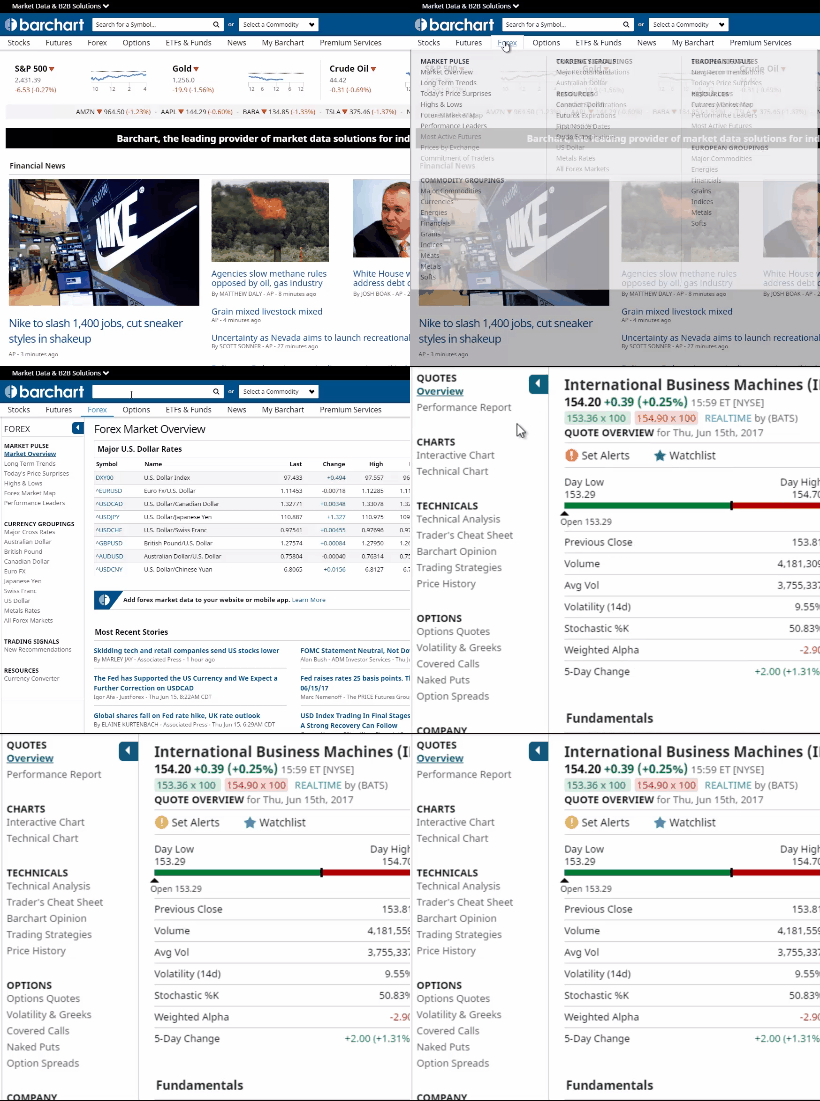
    Simple Navigation


    Simplified Navigation

    We've grouped site content together in a way that makes it easier to find what you are looking for. The new site contains tabs at the top for the Home Page, Stocks, Futures, Forex, Funds, ETFs, Education, and My Barchart.

    When you click on a major tab, you'll find secondary groupings for data underneath, and fine-tuned groupings with links to pages in the left-most column. You'll also always know where you are with the YOU ARE HERE "bread crumb" links at the top of every page.


    Barchart Marketplace