Tour the Site
Easy-to-Use Menu
On desktop, the site content is conveniently grouped into major categories at the top of the page. Click on any category to find the page you want. Once you are on a symbol page, navigation to the quotes, charts, technicals, options (etc.) can be found in the left column.

Data Table Quick Links
Continue to access our most popular pages directly from data tables. Click on the 3 vertical dots at the end of each row to open the links menu.
Try it now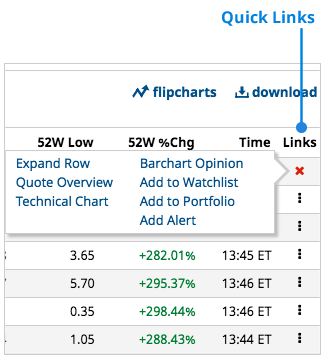
Expandable Data Tables
Quickly view symbol data without leaving the page by clicking the plus sign on the left side of a symbol row on any data table. Preview charts, technicals, opinions, and more.
Try it now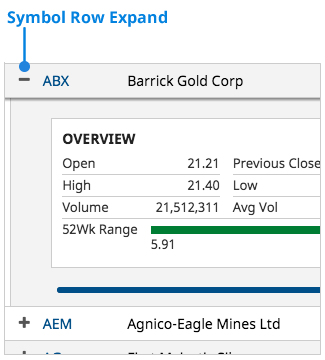
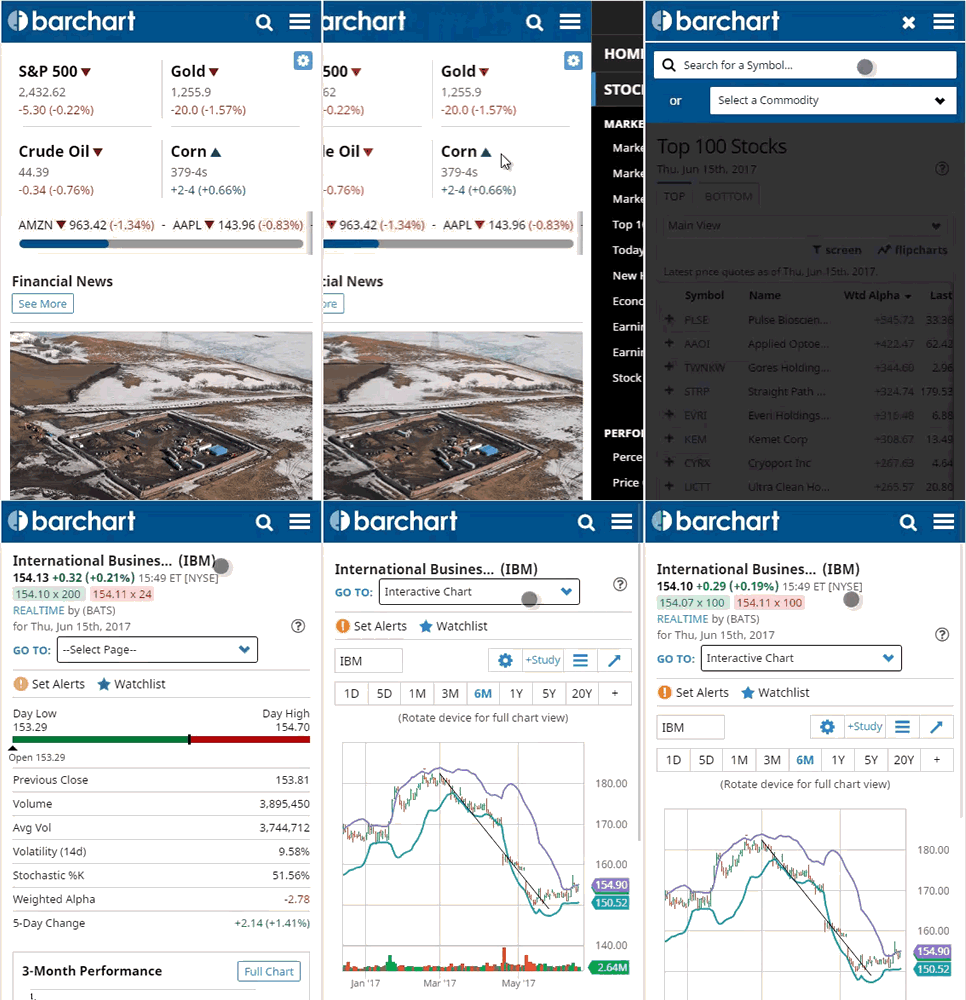
Fully Responsive Mobile Design
The website is fully responsive, from desktop, to tablet, to your mobile device. On mobile, site navigation is accessed from the menu on the right. Once you are on a symbol page, navigation to the quotes, charts, technicals, options (etc.) is built into the page in the menu at the top.
News Stories
Navigate headlines easier by opening them in a modal, so you don't lose your place on the site.
Try it now
Watchlists
Add favorite symbols to a watchlist from any quote page. Must be logged in to use.
Try it now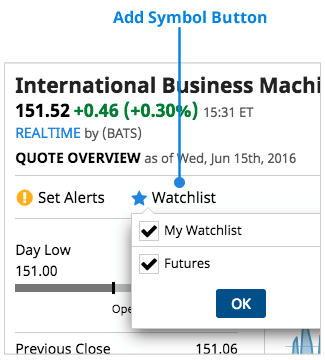
Stock Comparison
This new page, found in the menu on individual quote pages, will help you see how similar stocks perform against each other.
Try it now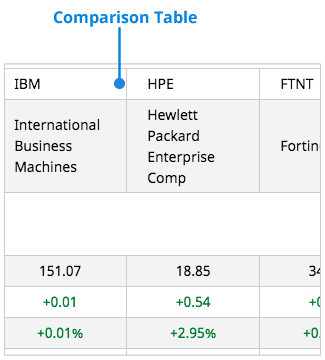
On-Page Help
Get an in-depth explanation of the page you're viewing by clicking on the question mark.
Try it now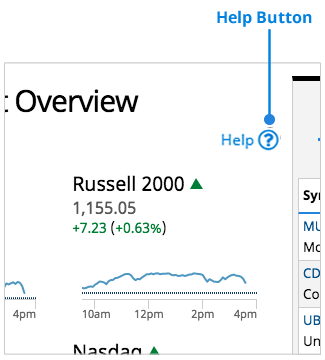
FlipCharts
Access FlipCharts by clicking the link at the top of a data table. We've improved the chart viewing experience by adding a navigation ribbon to the top of the modal so you can skip ahead to the symbols that are important to you instead of clicking through each symbol one, by one. Must be logged in to use.
Try it now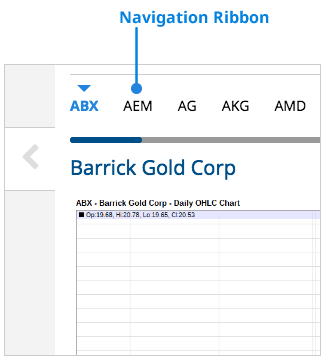
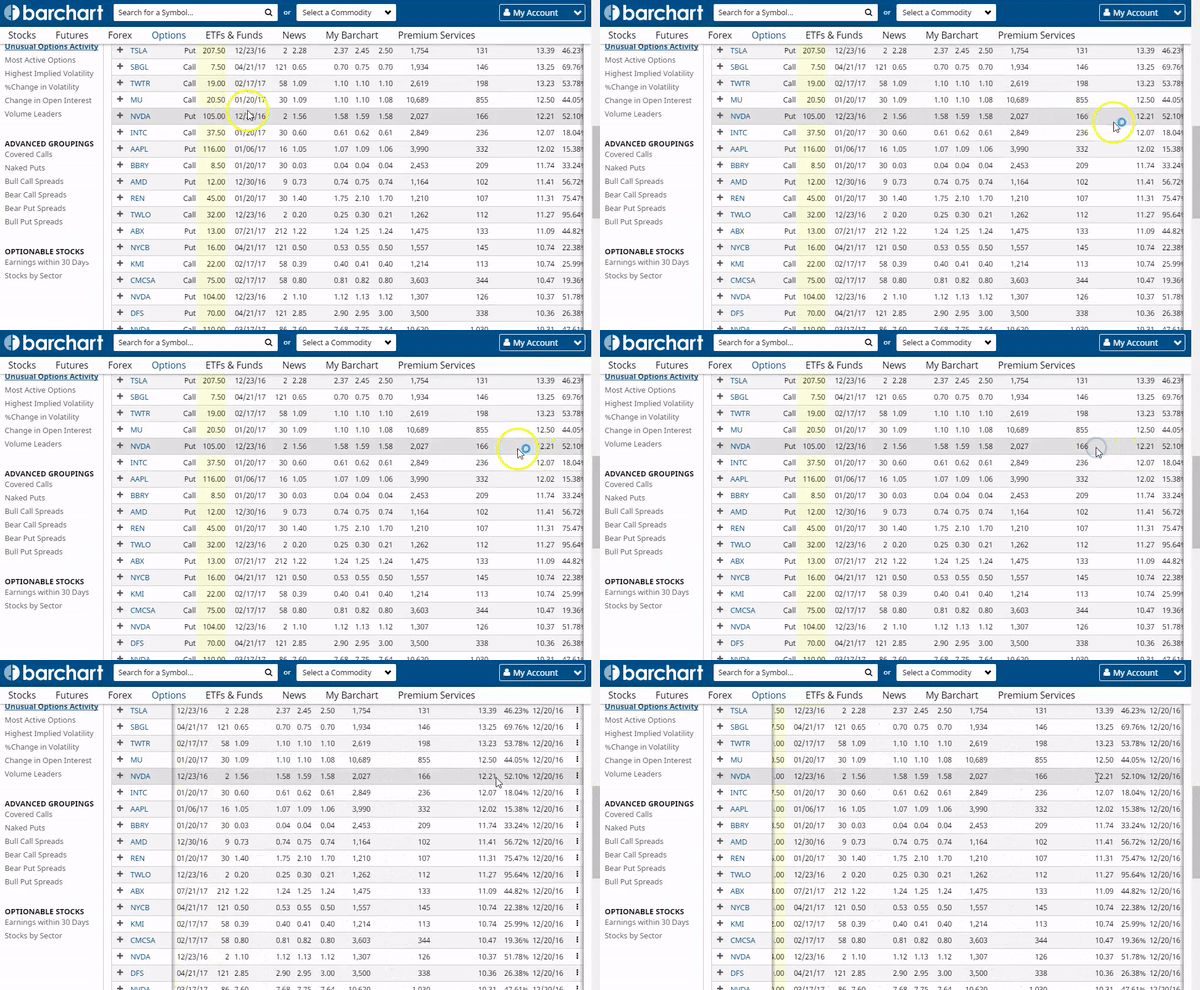
Easily Side-Scroll Data Tables on Desktop
Click in the data table and use the left-right arrow keys when all columns are not in view. By using the arrow keys you can pan the columns of a large table without having to scroll to the bottom of the page.